The Big Shake-Up in School Technology
Something really interesting is happening in classrooms right now. After years of Chromebooks running the show in schools, Apple just dropped a bomb with their $299 iPad Education Bundle. And honestly? It’s changing everything about how we think about classroom tech.
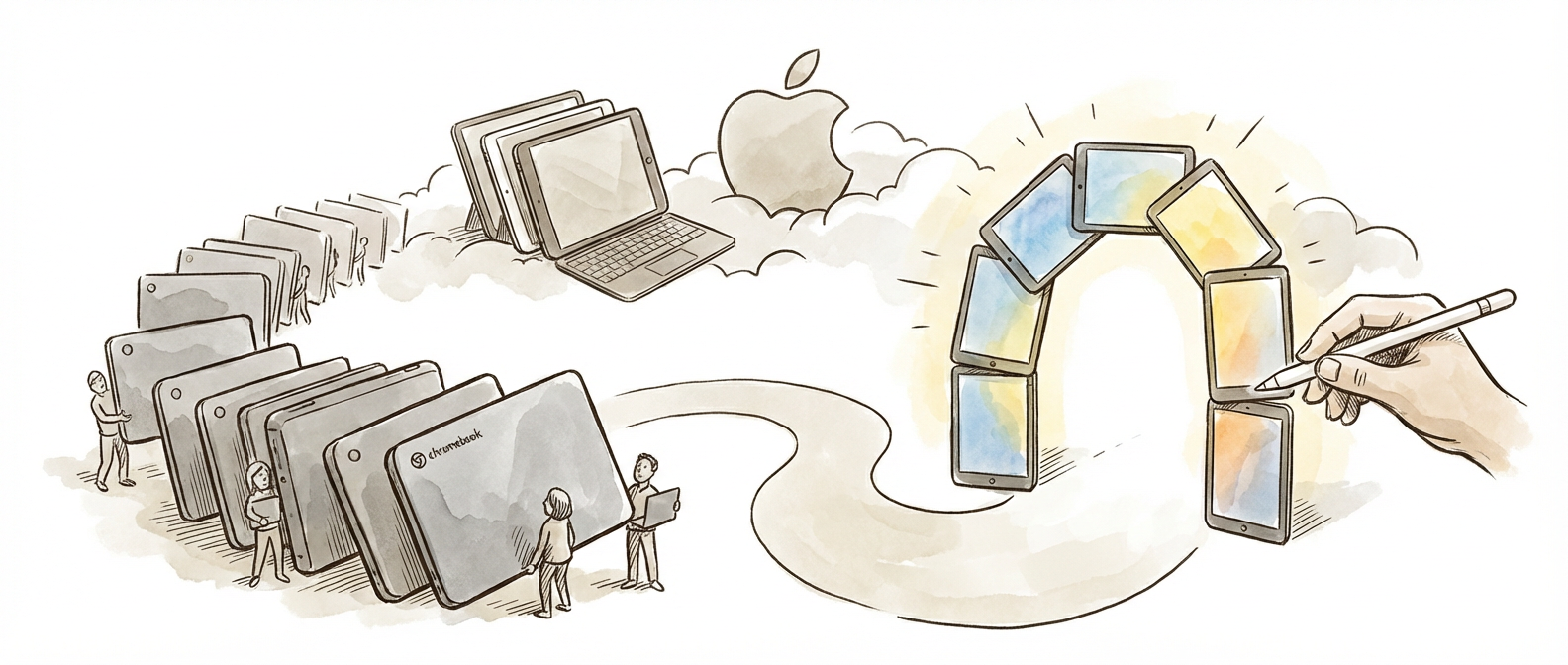
The numbers are pretty wild. Google’s grip on education technology has loosened big time—they dropped from 87% to 79% market share between 2024 and 2025, while Apple nearly doubled to 18%. But here’s what gets me excited: early data suggests this tech shift might actually be helping kids learn better.
As someone who’s spent time in classrooms, I’ve always known that different kids learn differently. Some are visual learners who need rich graphics. Others are hands-on learners who need to touch and manipulate things. What’s cool about this current shift is that we’re finally getting tools that can handle multiple learning styles in one device.
Why Touch-Based Learning Actually Works
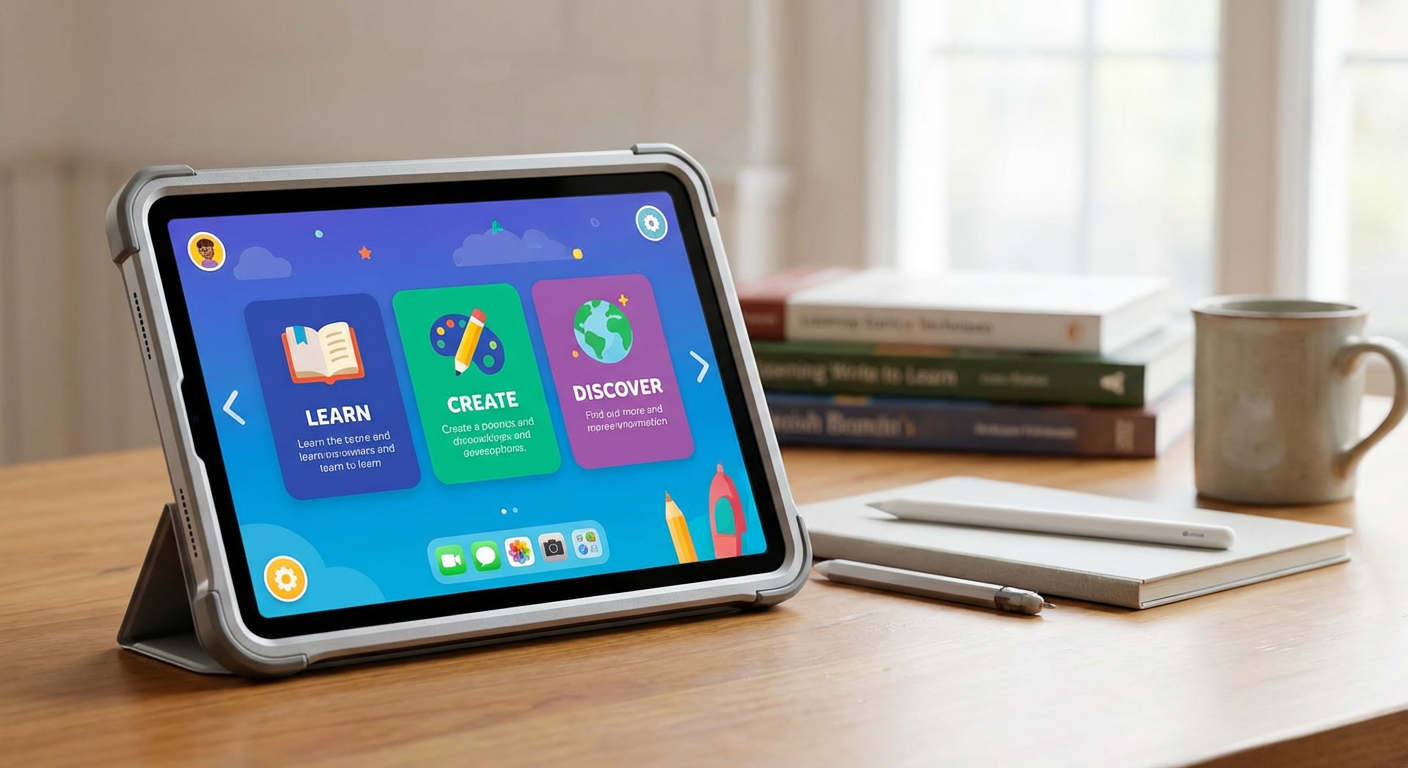
The move from keyboard-heavy Chromebooks to touch iPads isn’t just about what kids prefer. There’s real brain science behind it. Research shows that when we physically interact with learning materials, our brains create stronger connections than when we just passively look at stuff. When students use their fingers to move geometric shapes around, trace letters, or write directly on digital texts, they’re using multiple parts of their brain at once.
Apple’s new ClassroomOS software gets this. It has handwriting recognition that doesn’t just understand text—it can read math equations, science diagrams, and even rough sketches that kids draw while working through problems. This matters because writing by hand lights up different brain areas than typing, areas linked to better understanding and memory.
The collaborative whiteboard thing is pretty genius too. When students can all contribute to shared digital canvases at the same time, you get that peer-to-peer learning that researchers know works so well. Kids aren’t just consuming content anymore—they’re building knowledge together in real-time.
What Schools Are Actually Seeing
Schools that made the switch early are reporting a 23% jump in student engagement with digital assignments when they moved from Chromebooks to iPads. Now, I’m not saying correlation equals causation, but these numbers match what decades of educational psychology tell us about motivation and learning. The key seems to be immediate feedback, multiple ways to interact, and giving students real control over their learning experience.
The Apple’s iPad Education Bundle specifications show some smart design choices. The Apple Pencil isn’t just for drawing—it’s about giving kids a tool that feels natural for taking notes, solving problems, and being creative. When you remove the friction between thinking and expressing digitally, kids are more willing to experiment and dig deeper into tough material.
What’s really interesting is how this varies by subject. Math and science classes show the biggest improvements, probably because these subjects benefit hugely from blending text, diagrams, equations, and interactive simulations in one workspace. Language arts is seeing gains too, especially in creative writing and collaborative editing where the touch interface seems to make kids more comfortable participating.
The Competition Heats Up
Microsoft jumped back in with their Surface Go 4 Education at $279, creating a three-way race that’s pushing innovation like crazy. This isn’t just good for school budgets—it’s great for learning. When tech companies compete for education markets, they have to actually base their designs on teaching research instead of just what looks cool.
The FutureSource Consulting’s 2025 Education Technology Market Report calls this the “pedagogical technology era,” where learning outcomes drive features rather than the other way around. That’s a huge shift from the early days when we had to adapt our teaching to whatever devices we could get.
The effects go way beyond individual classrooms. As these platforms compete, we’re seeing rapid development of adaptive learning algorithms, better accessibility features, and integration tools that actually help instead of complicating lesson planning. Technology is becoming more invisible, which means teachers and students can focus on learning instead of troubleshooting.
What This Means for Real Classrooms
For those of us actually working with students, this tech evolution is exciting but tricky. Better engagement numbers are great, but they don’t automatically mean better learning without thoughtful lesson design. We need to think hard about when touch interaction really helps understanding versus when it’s just more fun.
The handwriting recognition in ClassroomOS opens up some fascinating possibilities for checking student understanding. Teachers can now watch and analyze how students work through problems in real-time, catching misconceptions as they happen instead of only finding them later on tests. This kind of immediate intervention is exactly what research tells us works best for feedback.
But we also have to think about equity. While competition is making devices cheaper, getting the full educational benefit often depends on good internet, teacher training, and tech support—things that aren’t evenly distributed across districts. The fanciest learning technology won’t help if teachers don’t have the time and training to use it well.
I’m curious about what you’re seeing in your own classroom or learning environment. Are you noticing similar engagement patterns with touch devices? How are you balancing the excitement of new tools with solid teaching fundamentals? This intersection of learning science and educational technology keeps evolving fast, and I think we learn the most from sharing real experiences with each other.