Building Your Foundation: The Non-Negotiables Come First
Before we jump into the exciting world of digital learning tools, let’s get something straight: technology should amplify good teaching practices, not replace them. I’ve watched too many classrooms get swept up in the latest app or platform without considering whether it actually serves learning objectives. The most effective digital learning environments start with rock-solid pedagogical foundations.
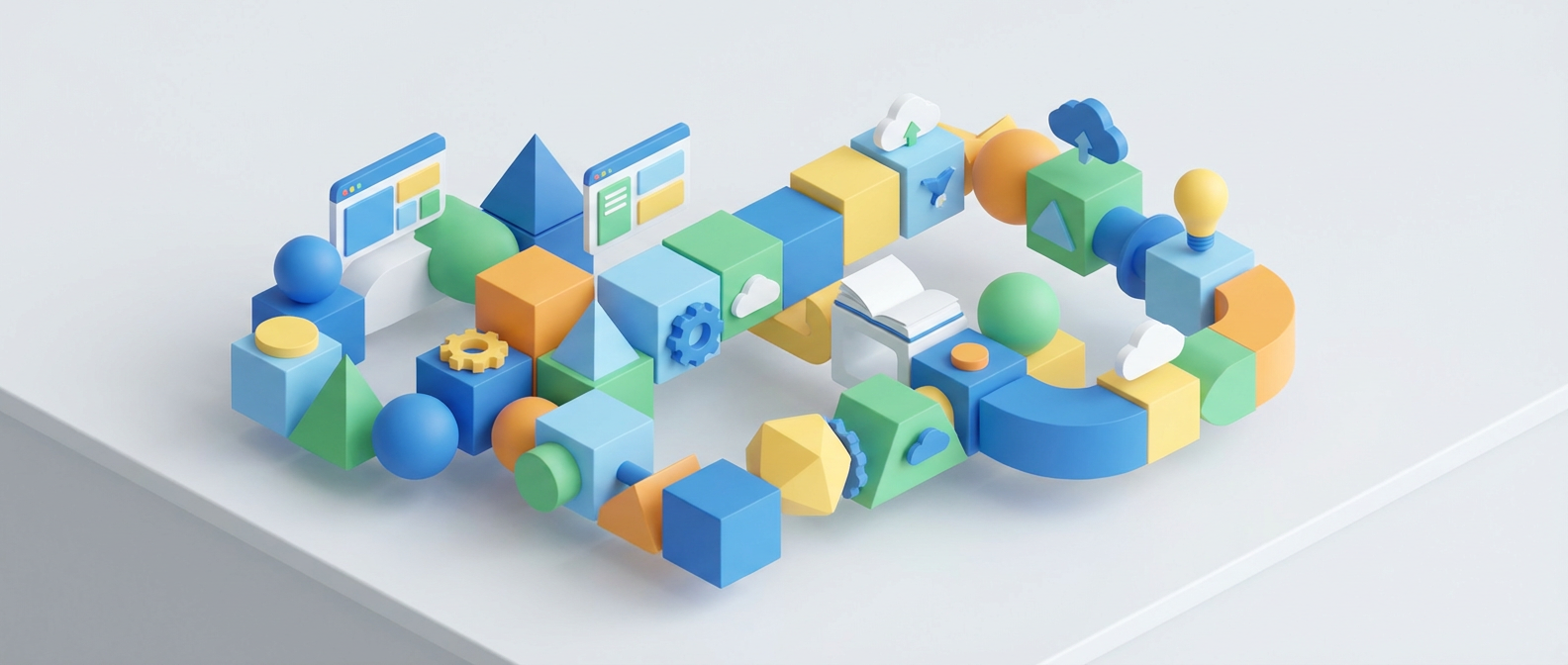
Your foundation layer needs three elements working together. First, a solid learning management system that handles the administrative backbone without getting in anyone’s way. I’m talking about platforms like Canvas or Google Classroom that manage assignments, track progress, and keep communication flowing. Second, a reliable note-taking and organization system that students can access across devices. And third, collaborative spaces where learners can engage with each other’s thinking in real time.
Here’s what I’ve learned after fifteen years of integrating technology: students need predictable, consistent access to these foundational tools before you introduce anything fancy. When a tenth-grader knows exactly where to find their chemistry notes from three weeks ago, or when they can easily share their rough draft with a peer reviewer, that’s when the real learning magic can happen on top of this stable base.

The Comprehension Layer: Tools That Make Thinking Visible
Once your foundation is solid, you can add tools that help students process and understand complex information. This is where digital tools really shine, because they can adapt to different learning styles in ways that traditional textbooks simply cannot. The key is choosing tools that make student thinking visible, both to you as the educator and to the students themselves.
Concept mapping tools like Lucidchart or even simple mind mapping in apps like MindMeister turn abstract relationships into visual networks. I’ve watched students who struggled with essay organization suddenly grasp the connections between causes and effects when they could drag and rearrange ideas on screen. Annotation tools like Hypothesis or even the built-in features in Google Docs let students engage actively with texts, highlighting patterns and making connections that might otherwise stay hidden.
Interactive simulations deserve special mention here. Platforms like PhET for physics concepts or GeoGebra for mathematics let students manipulate variables and immediately see results. There’s something powerful about watching a student’s face light up when they realize that changing the angle of a projectile affects both horizontal and vertical motion components. These tools don’t just deliver information; they let students discover patterns through experimentation.
The comprehension layer also includes adaptive learning platforms that adjust difficulty based on student performance. Tools like Khan Academy or IXL can provide personalized practice that meets students exactly where they are. But here’s what matters: these tools work best when woven into a larger learning sequence, not used as standalone solutions.
The Application Layer: Where Knowledge Becomes Creation
This is where digital tools move beyond consumption toward creation, and where learning becomes genuinely transformative. The application layer gives students opportunities to synthesize, analyze, and create new knowledge using the understanding they’ve built in previous layers. These tools should challenge students to use their learning in fresh contexts.
Video creation tools like Flipgrid or Loom let students explain concepts in their own words, which reveals understanding in ways that traditional assessments often miss. When a student creates a video explaining photosynthesis to a younger audience, they must wrestle with the process at a deeper level than any multiple-choice test could measure. Podcast creation tools help students develop both content expertise and communication skills at the same time.
Coding platforms designed for education, such as Scratch or Python environments like Replit, offer powerful ways for students to apply mathematical and logical thinking. But don’t limit coding to computer science classes. Students can use these tools to model population growth in biology, create interactive historical timelines, or even compose algorithmic music. The key is connecting the coding project to real curricular objectives.
Collaborative creation tools like Padlet, Jamboard, or shared documents let students build knowledge together in ways that mirror real-world professional collaboration. When students co-create multimedia presentations or contribute to shared research databases, they’re practicing the kind of collective intelligence that defines modern workplaces.
The Reflection and Metacognition Layer: Learning How to Learn
The most sophisticated layer in your digital learning stack focuses on helping students understand their own learning processes. This metacognitive layer is where students develop the self-awareness and self-regulation skills that will serve them long after they leave your classroom. Digital tools can provide unprecedented insight into learning patterns and progress.
Digital portfolios, whether built in platforms like Seesaw or simply organized in shared folders, let students track their growth over time. But the real power lies in structured reflection prompts that help students analyze their own work. When students can compare their September writing sample to their January draft, and explain specifically what improved and why, they’re developing important metacognitive awareness.
Learning analytics, when used thoughtfully, can help both teachers and students identify patterns in engagement and understanding. Simple data visualizations showing study habits, time spent on different types of problems, or areas where students frequently struggle can guide both individual learning strategies and instructional adjustments.
Goal-setting and progress tracking tools help students take ownership of their learning journey. Whether through formal platforms or simple spreadsheet templates, students benefit from regularly setting learning targets, monitoring progress, and adjusting strategies based on results. The key is making this process collaborative rather than punitive.
Sequencing for Success: Implementation That Actually Works
The biggest mistake I see educators make is trying to roll out all these layers at once. Effective technology integration follows the same principles as effective teaching: it’s scaffolded, purposeful, and responsive to student needs. Start with your foundation layer and make sure students are comfortable and confident before adding complexity.
Individual differences matter enormously in this process. Some students will embrace digital tools immediately, while others need more time and support to feel comfortable. Build in multiple pathways for students to demonstrate their learning, and resist the urge to require specific tools for every student. The goal is learning, not uniform tool usage.
Each layer should reinforce and build upon the previous ones. Your comprehension tools should integrate smoothly with your foundational systems. Application projects should draw upon understanding developed through earlier digital experiences. And reflection activities should help students recognize patterns across all their digital learning experiences.
What questions do you have about implementing these layers in your own teaching context? I’d love to hear about your experiences with digital tools that have genuinely improved learning outcomes for your students.